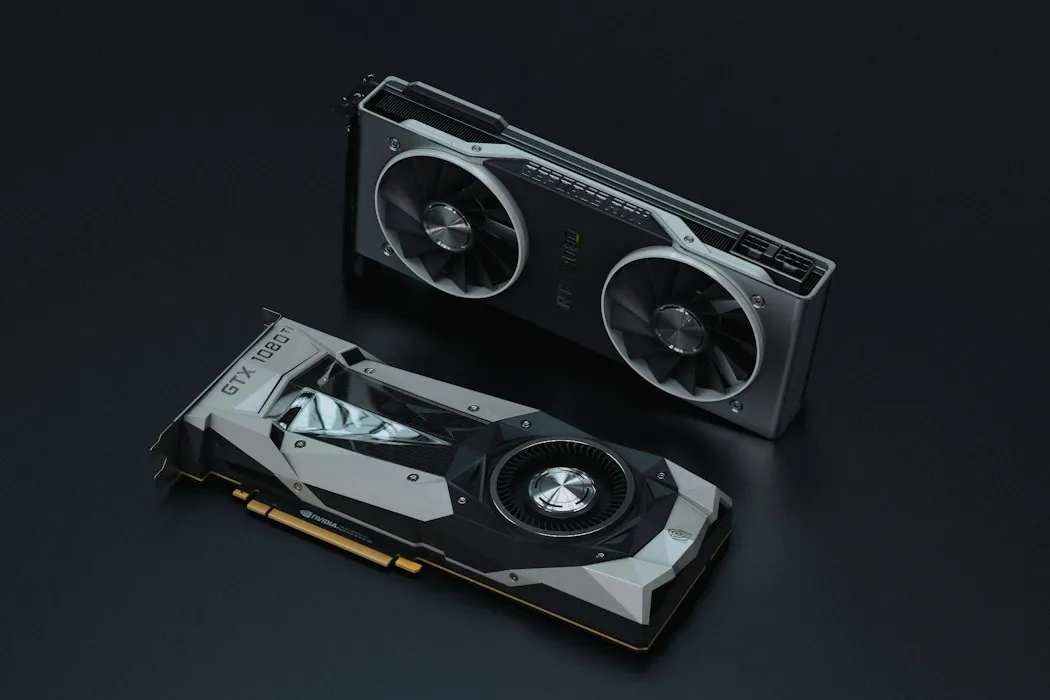
Visual performance
Graphics
Compare display targets, case clearance and power requirements.
Component guide / Dubai
Find parts that work together. Compare the details that matter and map a build before you buy.
Interactive demo / THE BUILD DESK
Set the direction of a build before choosing parts. These are planning prompts, not live compatibility checks.
Demo only. Preferences stay in this browser. Nothing is booked, purchased or sent.Your build checklist
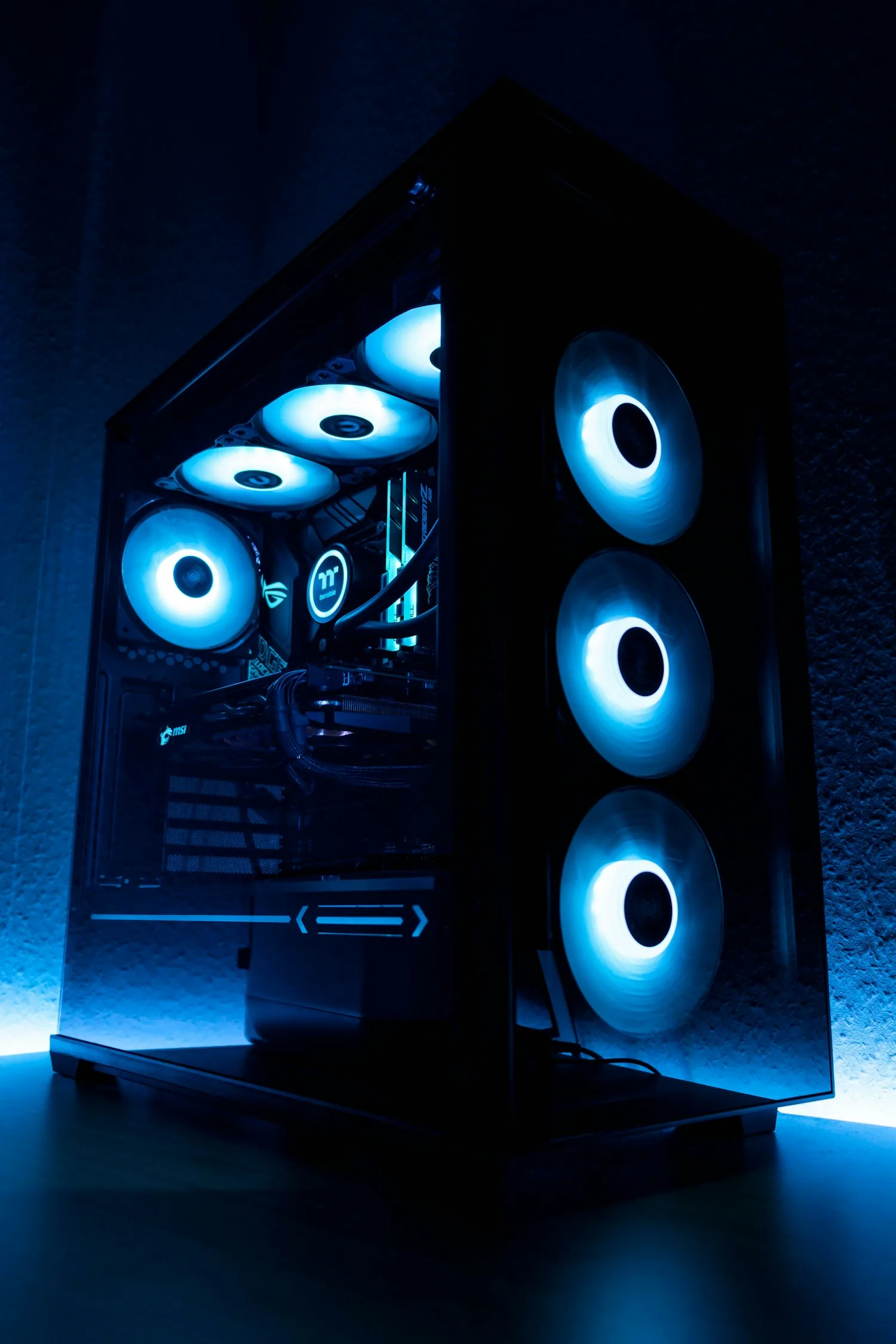
Visual performance
Compare display targets, case clearance and power requirements.
Saved components: 0
A good component page surfaces socket, power and clearance information early, so the build plan has fewer surprises.
Check the display target, case clearance, power supply capacity and the outputs you need.
Confirm processor socket, motherboard chipset, memory generation and firmware support together.